404ops Cache Tester
See whether WordPress, PHP, your object cache, page cache, or CDN is serving what you expect.
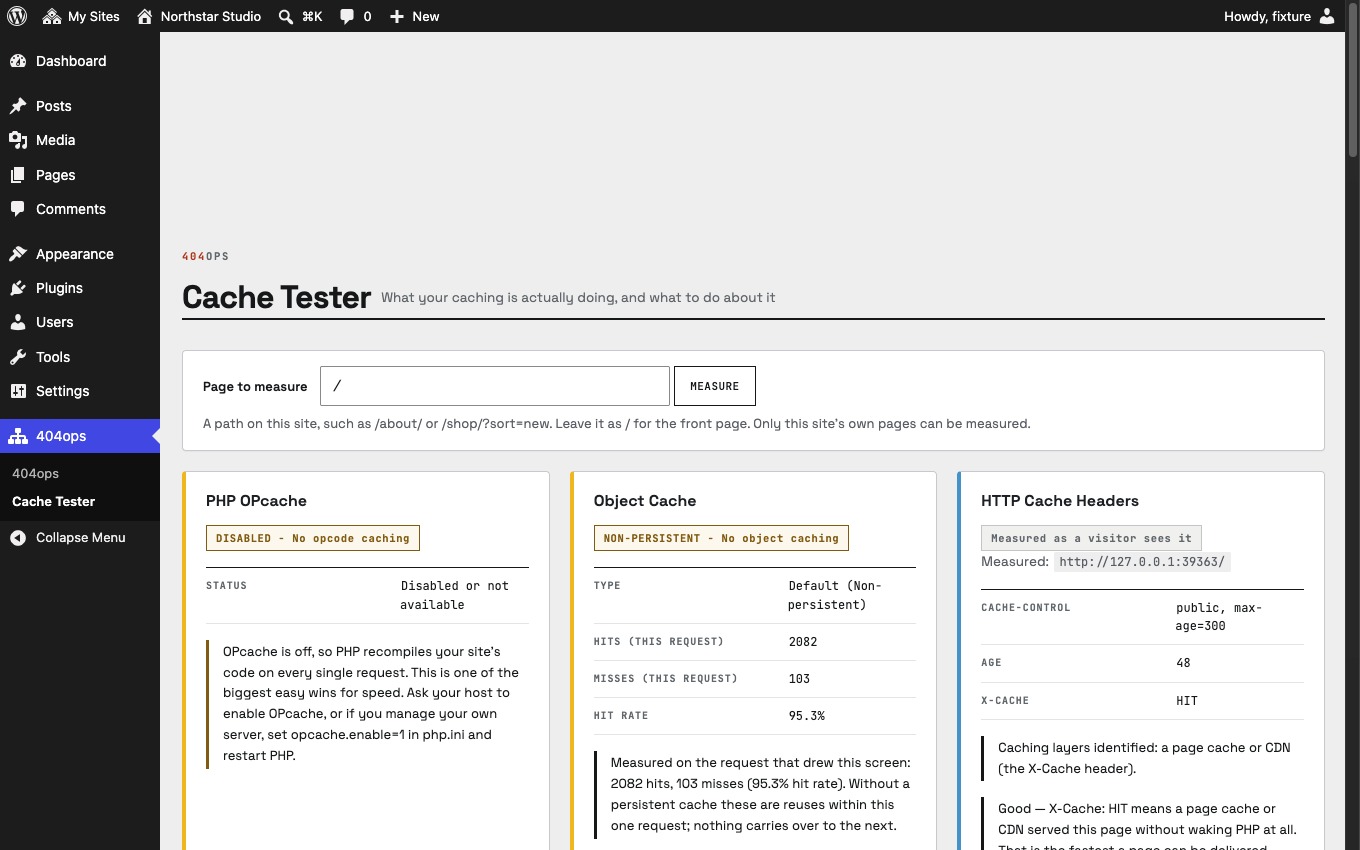
ScreenshotsSee what each caching layer is doing when WordPress serves stale pages or inconsistent responses. Cache Tester shows what it measured and how to act on each finding.
What it checks
- PHP OPcache: on or off, memory use, cached scripts, hits and misses.
- Object cache: whether a persistent cache such as Redis or Memcached is active, this request's hit rate, the
object-cache.phpdrop-in and its version, and a timed set/get/delete round trip. Where the drop-in exposes its client, it also reads the server's version, memory, evictions and hit rate (read-only). - HTTP cache headers of any page on your site, including
Age,X-CacheandCf-Cache-Status, anySet-Cookie, and the caching layer they identify (Cloudflare, LiteSpeed Cache, WP Rocket and others). - Cache fragmentation probe: does a tracking link, an analytics cookie or a phone get the cached page, a copy of its own, or no cache at all?
- Static asset audit: the
Cache-Control,Expiresand validators of the stylesheets, scripts, fonts and images the page loads from your site, with a verdict per file. - Debug constants such as
WP_DEBUG_DISPLAY.
Run a live cache test
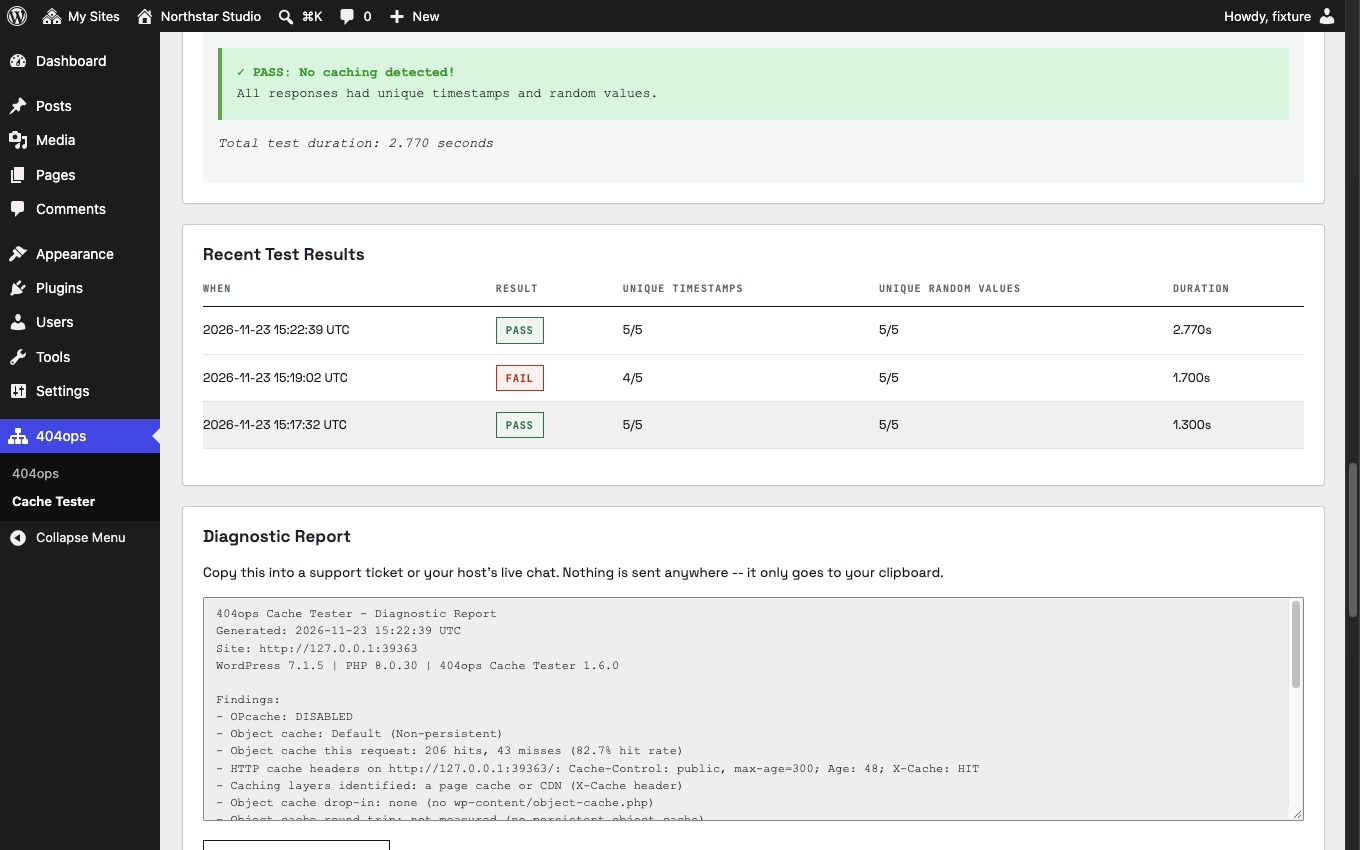
One click sends five consecutive AJAX requests and compares their responses. Five unique responses show that the test saw no replay. Repeated values can indicate that a cache replayed a response. Administrators also see a small front-end page-generation indicator.
The plugin keeps the last ten test summaries and assembles a diagnostic report you can copy into a support ticket. wp cache-tester provides diagnostic commands for the same checks.
Scheduled monitoring and cache clearing
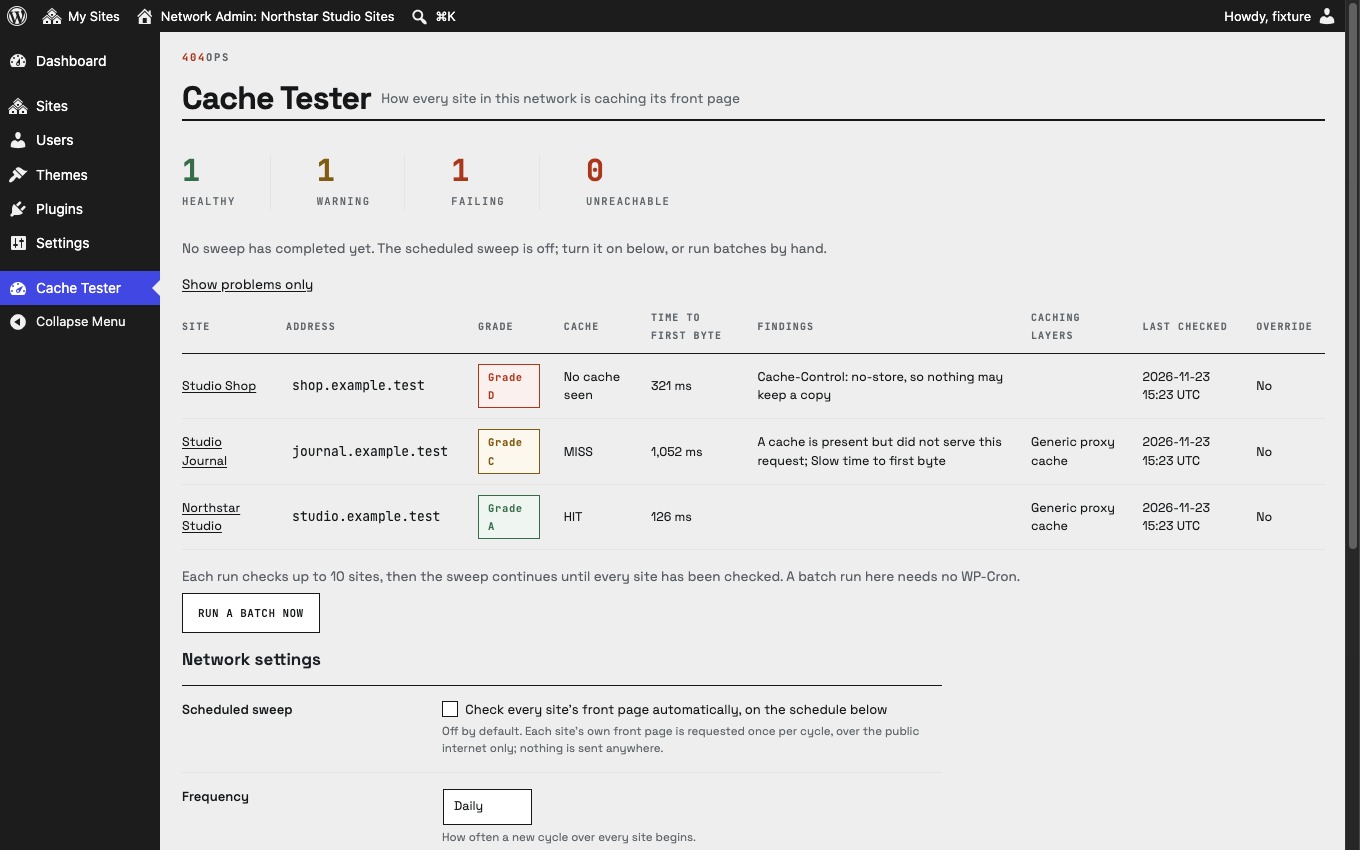
Optional email alerts report changes in cache health. On WordPress Multisite, Network Admin shows grades and findings for sites in that network. The optional Flush Caches action clears supported caches and requests a page-cache flush from compatible integrations. Rerun the checks to verify the result.
Cache measurements request pages and files on your site. Review the diagnostic report before requesting an optional AI diagnosis through WordPress Connectors.
Multisite removal
Give your host administrator the installed Free archive, the Cache Tester 1.6.0 multisite removal tool, and the release checksums. The tool checks activation across the entire installation and includes recovery instructions.
AI and external data
When an administrator requests an AI diagnosis, WordPress sends the reviewed report through a compatible provider configured in Connectors. The report includes site and page URLs, software versions, cache headers and statistics, debug settings, asset addresses and test results. Review URLs and other site details before sending. Cache measurement and optional network digests run separately.
Read the installed edition's External Services disclosure before enabling a feature. Review the provider policies and DPA considerations.
In WordPress, open Plugins → Add New Plugin → Upload Plugin. Upload this ZIP and activate it.
Cache Tester screenshots