404ops Knowledge Base
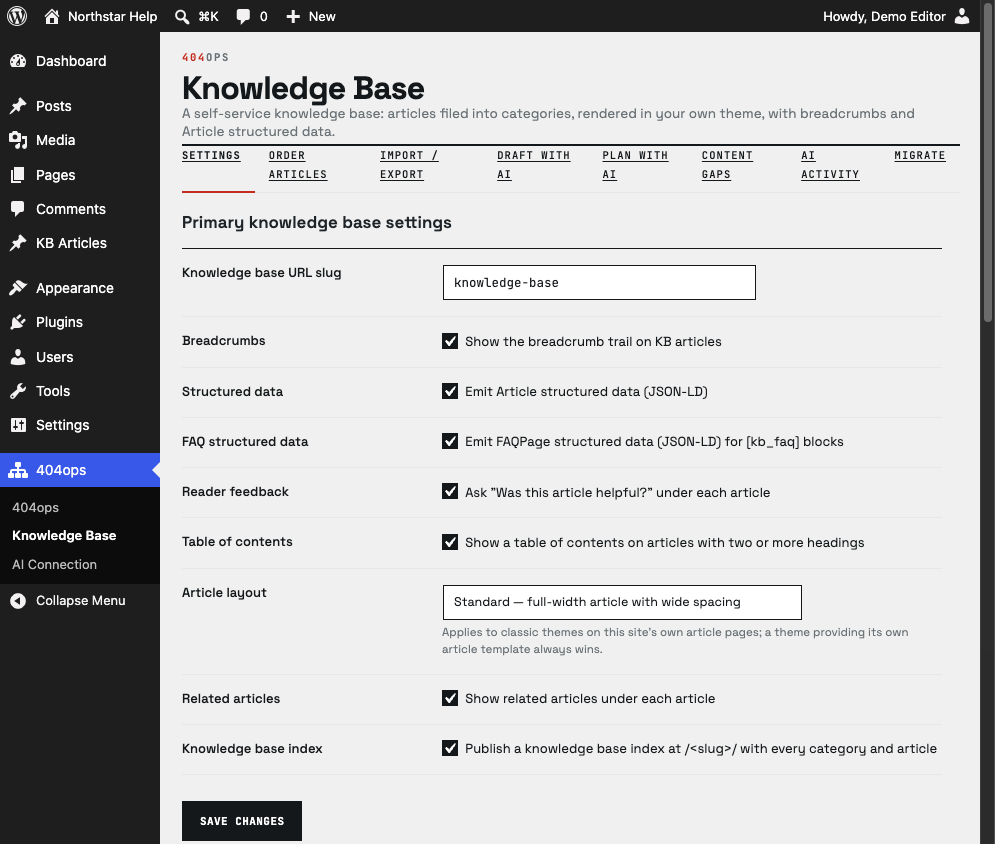
A self-service knowledge base: articles filed into categories, rendered in your own theme, with breadcrumbs and Article structured data.
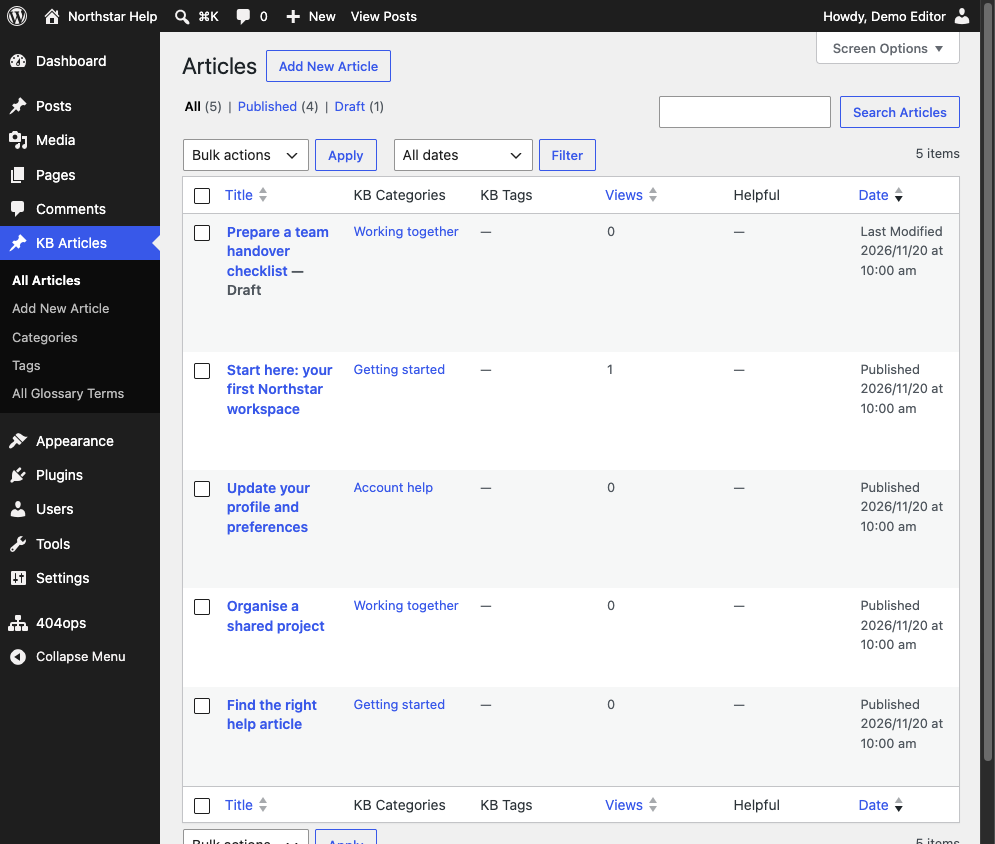
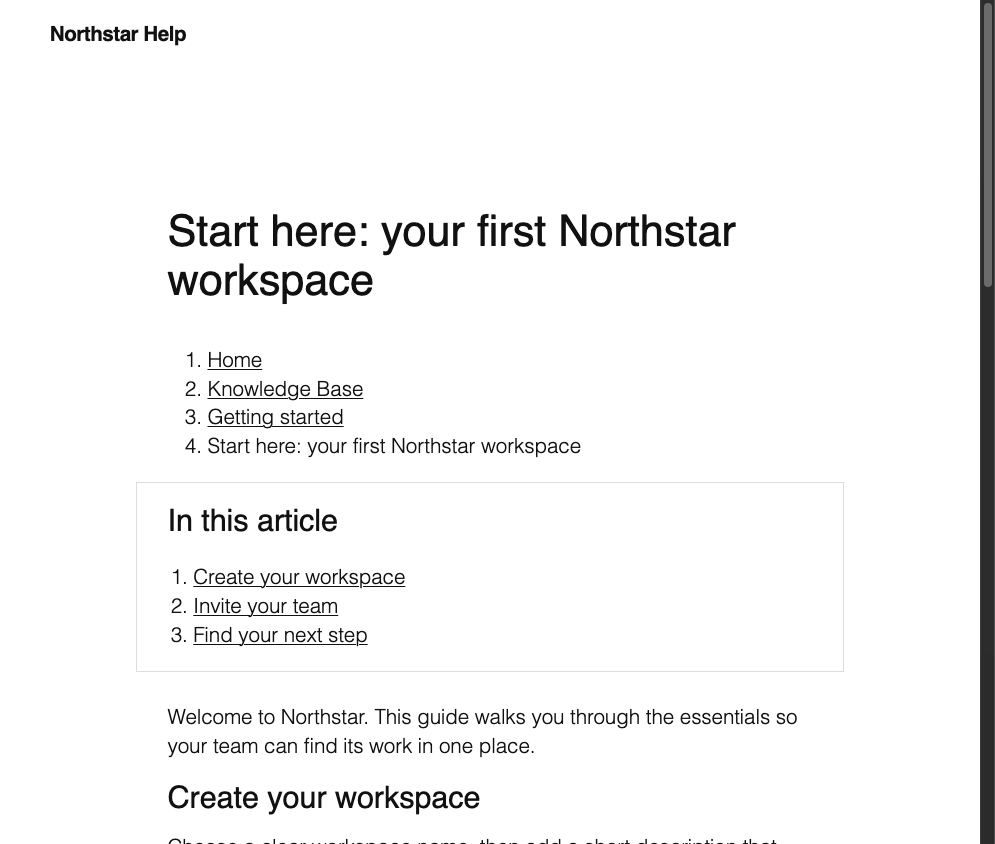
ScreenshotsA dedicated place for help articles, kept apart from your regular posts. Write an article, file it into a knowledge-base category, and it renders in your own theme with a breadcrumb trail and Article structured data.
Features
- A "KB Articles" content type with hierarchical KB categories and free-form KB tags. Search also matches tag names.
- Multiple knowledge bases on one site, each with its own articles, categories and settings.
- Articles render in your theme. Block themes draw the page; classic themes use a bundled template that a theme can replace.
- Breadcrumbs and Article structured data (schema.org JSON-LD).
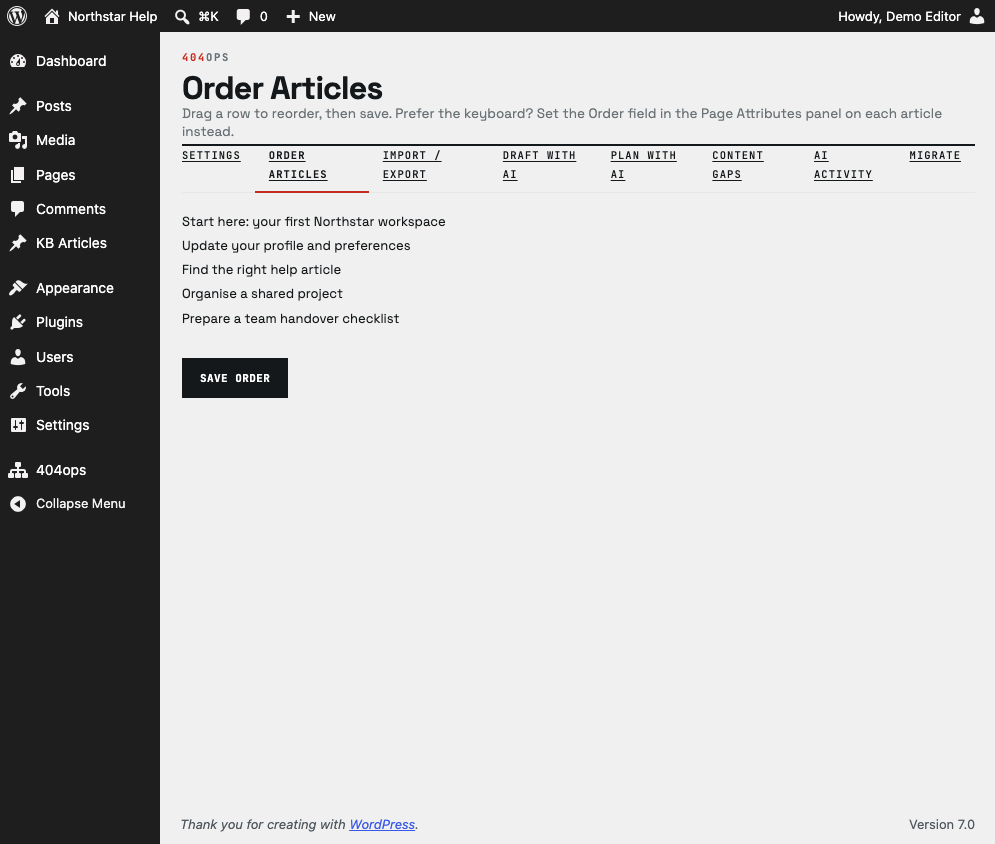
- An Order Articles screen, view counts, and a "Was this article helpful?" vote with a Helpful column.
- An optional table of contents, related articles, and a front-end index with live search suggestions.
- Shortcodes and matching blocks: search box, Ask AI, categories, popular articles and tags, plus
[kb_index]. - A
[kb_faq]shortcode for expandable questions, emitted as FAQPage structured data, and a glossary that links defined terms. - Role-based visibility for articles and categories. The highest restricted category governs its subtree. Readers must meet the article's own role requirement and the rules for every category it belongs to.
- Multilingual knowledge bases with WPML or Polylang, and optional /llms.txt for AI crawlers.
- Migration from Echo Knowledge Base, BetterDocs, Heroic Knowledge Base, Zendesk Guide and Help Scout Docs, and CSV import and export of articles.
- A content-gaps report built from searches that found nothing.
- Optional AI features that use your own provider account: Ask AI (a chat that answers visitors only from your published articles, citing them, rate-limited per visitor), drafting, planning a series, and an AI activity log. Nothing the model writes is published by the plugin, and no AI feature runs until you connect a provider.
What Pro adds
- Search Analytics. What readers searched your knowledge base for, how often and on which days; which searches found nothing; CSV export, and you choose how long history is kept. Only the words, the day and the knowledge base are kept, never who searched or from where.
- Content Review. A review interval per article or for the whole site, an overdue list, an optional weekly email, and a date on which an article is moved to draft (unpublished, never deleted). Nothing is tracked until you turn it on.
- Article Insights. Which articles readers find unhelpful, which are read most, which are read often but never rated, and which nobody reads, with CSV export.
Pro is a separate add-on that needs the free plugin. Everything listed above under Features stays free.
Free version
Download Free from this page. Update Free before updating Pro.
AI and external data
AI drafting sends your description, selected category and language instruction. Planning can send source notes and selected existing articles. Ask AI sends the visitor's question, earlier conversation and articles that visitor may read to the connected provider. Importing from Zendesk or Help Scout and downloading article images are separate configured services.
Read the installed edition's External Services disclosure before enabling a feature. Review the provider policies and DPA considerations.
In WordPress, open Plugins → Add New Plugin → Upload Plugin. Upload this ZIP and activate it. Pro is a separate add-on; install Free first and keep both active.
Paid purchases are temporarily unavailable. Free downloads and existing licences remain available.
Knowledge Base screenshots