404ops SSL Monitor
Monitor your site's SSL/TLS certificate, expiry, and protocol support with a clear security grade.
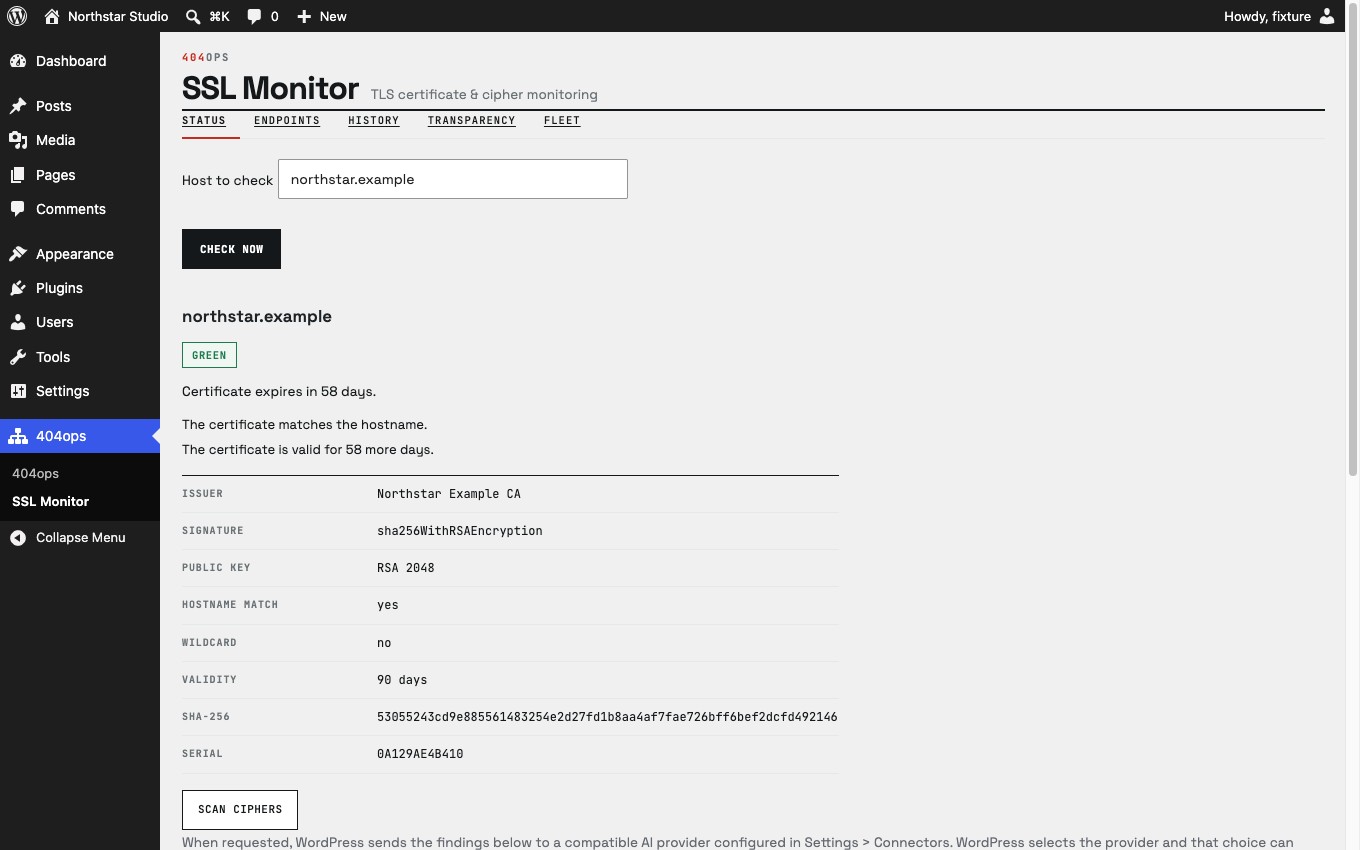
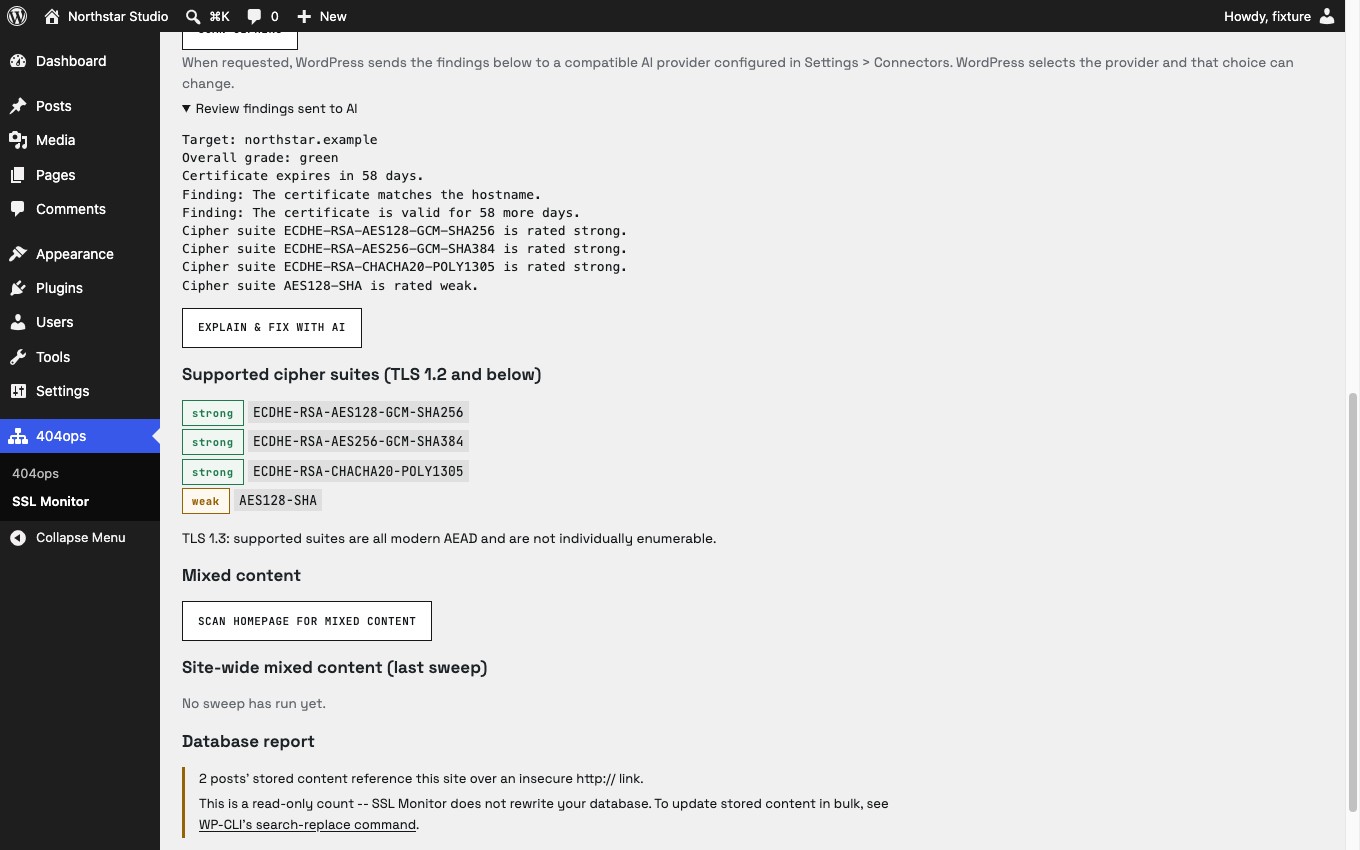
Screenshots404ops SSL Monitor checks your site's certificate (issuer, expiry and SANs), the TLS protocol versions and cipher suites it accepts, and gives you a plain green, amber or red grade from your WordPress dashboard.
Features
- An on-demand certificate check with a green, amber or red grade, and a cipher scan with strong, weak and insecure ratings folded into the grade.
- Scheduled checks through WP-Cron, with the interval, history retention and warning days you choose.
- Many endpoints from the Endpoints tab, including mail servers over STARTTLS (SMTP, IMAP, POP3).
- Alerts before a certificate expires, when the grade drops, on cipher drift and when an endpoint becomes unreachable: by email, and optionally to Slack, Microsoft Teams, Discord or a signed webhook. Each channel is off until you configure it.
- A notice across wp-admin while a monitored certificate needs attention, a dashboard widget and a shortcode.
- Check history with trend charts.
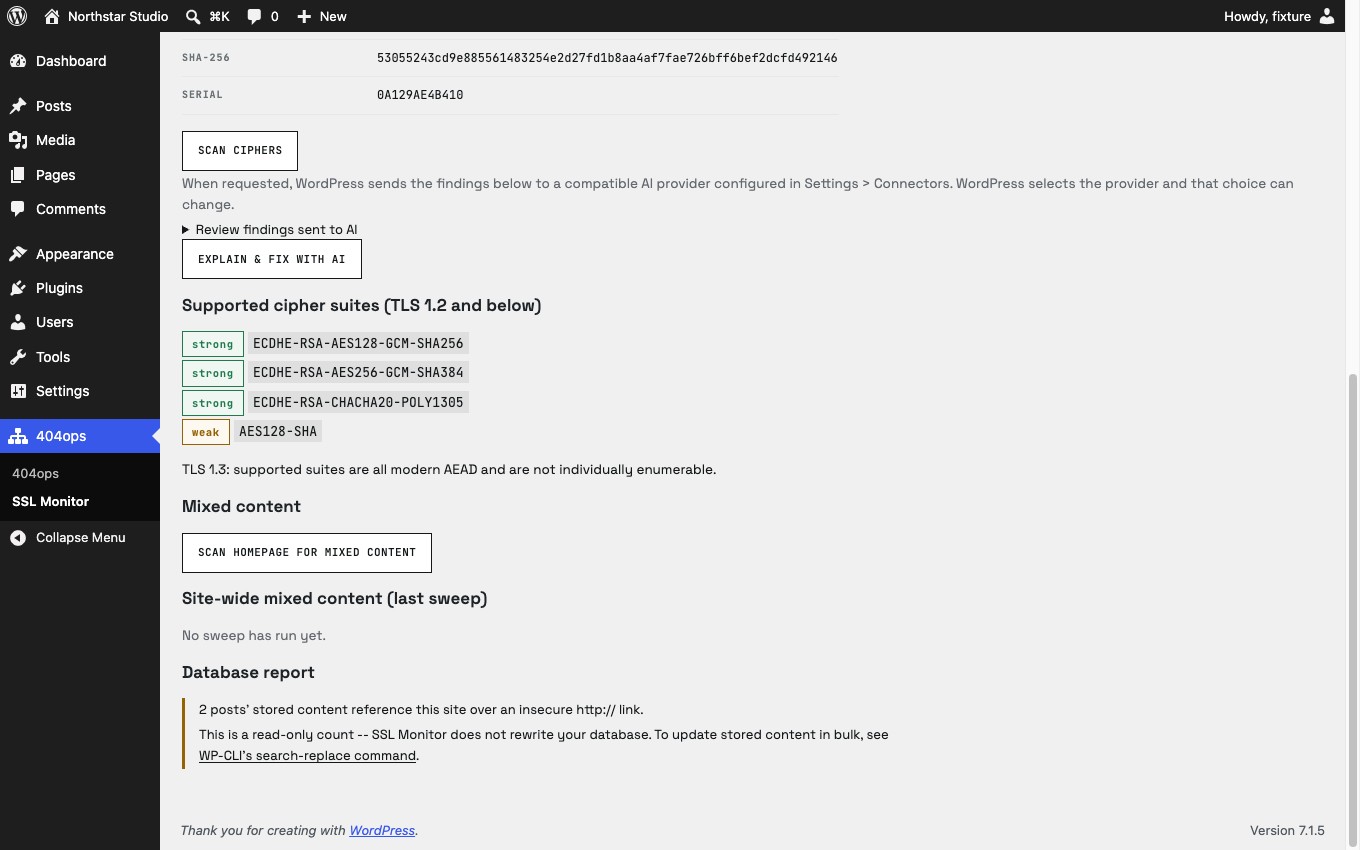
- A site-wide mixed-content scan, with optional fixes for your own domain.
- Optional domain registration expiry checks (RDAP, with an opt-in WHOIS fallback) and an alert when a domain's transfer lock is removed.
- HSTS, security-header and CAA checks, an optional Certificate Transparency watch, and requested AI explanations through WordPress Settings → Connectors.
- Multisite network monitoring, and an agency fleet of many client sites, each with health-over-time charts.
Checks run from your server against your endpoints, and results are stored in your WordPress database. Review the displayed findings before asking your connected AI provider for an explanation.
What Pro adds
- Scheduled certificate reports by email, daily, weekly or monthly, with a CSV, a PDF or both attached.
- White-label reports and digests with your name, colour, logo and footer line.
- Client reports for each client of your fleet, on their own schedule and to their own people.
- Network report and digest for every site of a multisite network.
- A weekly digest posted to a Slack, Microsoft Teams or Discord channel.
- Tunable alert retries for failed channel deliveries.
Pro is a separate add-on that needs the free plugin. Everything listed above under Features stays free.
Multisite removal
Use the SSL Monitor 1.15.0 multisite removal tool with the matching release archive. The host tool checks activation across the installation and applies each site and network's saved cleanup choices. Remove Pro first if it is installed. Release checksums
AI and external data
In SSL Monitor 1.15.0, an administrator reviews stored findings before requesting an AI explanation. The WordPress AI Client sends the target hostname, reachability, grade and reasons, certificate expiry, weak cipher ratings and mixed-content resource locations to a compatible provider configured under Settings → Connectors. Resource locations include scheme, host, port and path and omit user information, queries and fragments. WordPress selects the compatible provider. Certificate probes, public-page checks, optional registration and Certificate Transparency lookups and configured alerts contact their own destinations separately.
Read the installed edition's External Services disclosure before enabling a feature. Review the provider policies and DPA considerations.
In WordPress, open Plugins → Add New Plugin → Upload Plugin. Upload this ZIP and activate it. Pro is a separate add-on; install Free first and keep both active.
Paid purchases are temporarily unavailable. Free downloads and existing licences remain available.
SSL Monitor screenshots